

How to add tips to uncompleted order
In our Hotel Management System, you can add tip information to the order card. It is possible to add this data to all orders except those displayed with the status “Completed”.
Here is how to do that:
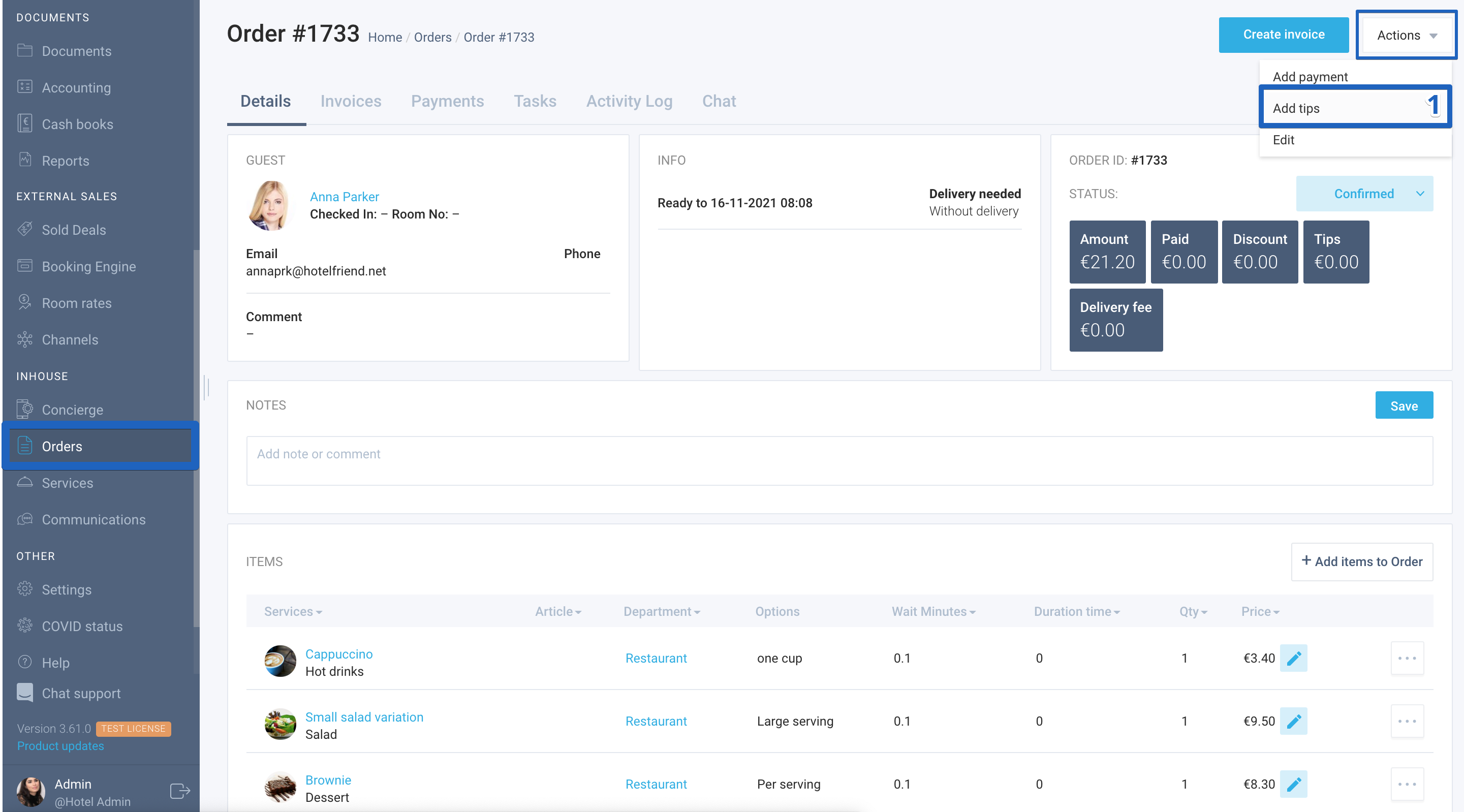
- In the order card, select the Add Tips function in the Actions menu;
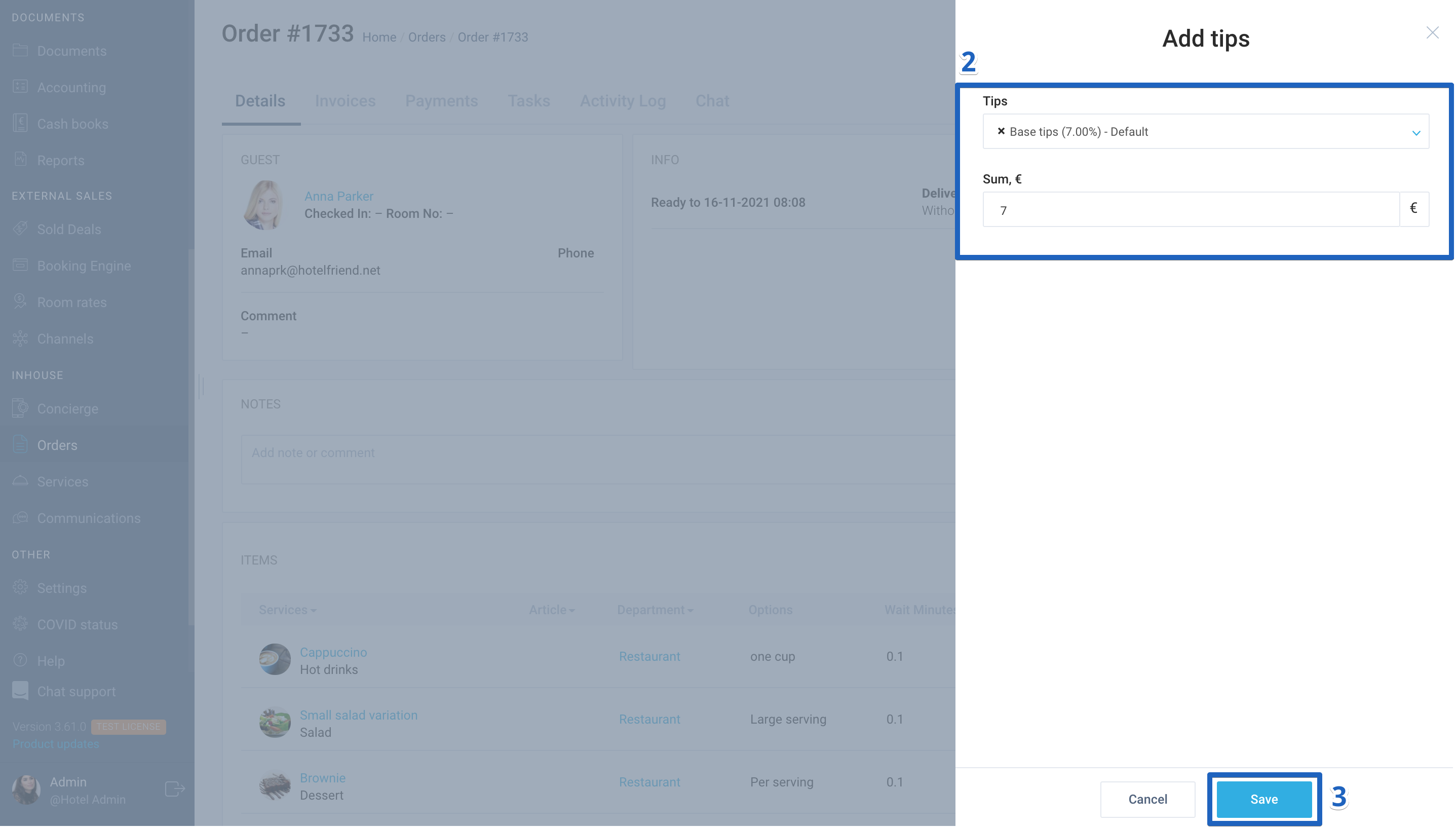
- In the window that opens, choose VAT in the Tips field, and enter the tip amount in the Sum field;
- Click on the Save button.
Author:

