

How to setup Vectron POS Integration
Vectron POS Integration allows you to link orders from your hotel’s restaurant or bar directly with bookings in the HotelFriend system. This ensures accurate billing and a seamless experience for your guests.
Follow the steps below to set up the integration:
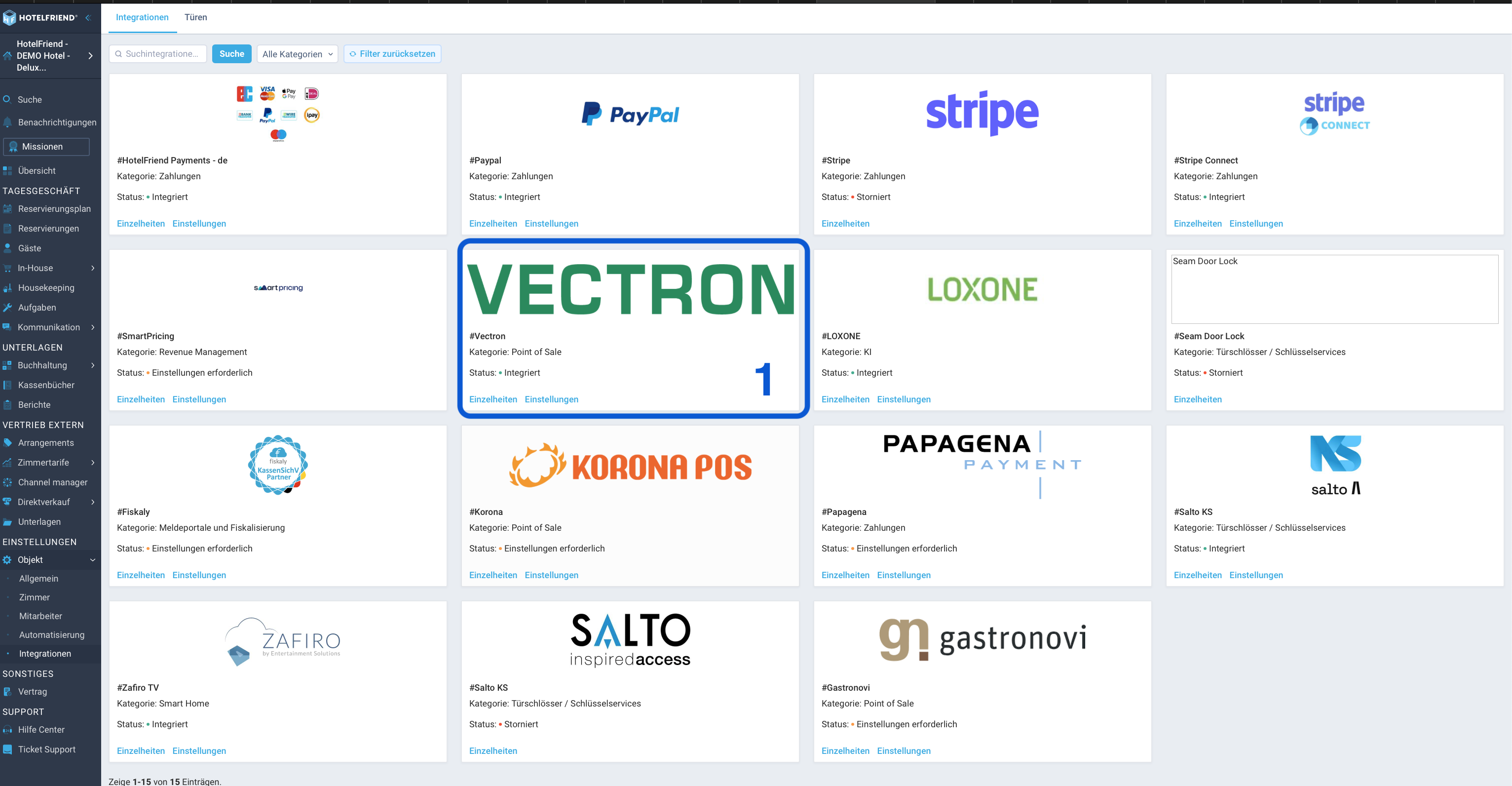
- Go to the Integrations module on the left-side menu.
- Locate the Vectron integration. The status should display Settings required.
- Click on Settings.
- Select the appropriate Department from the list.
- Click Connect. The status should now change to Integrated.
- Click on Settings again.
- You will now see the generated Access-token. Copy this token to connect your Vectron POS system to HotelFriend.
Setup
How it works
The Vectron POS integration links your restaurant or bar orders with HotelFriend bookings:
- Link Orders: Use the “Hotel” button on the Vectron POS terminal to initiate a charge to a room.
- Find Bookings: You can quickly search for a booking by entering the room number or guest name directly on the POS.
- Charge to Room: Once the correct booking is selected, the order is linked to it. This allows guests to settle their restaurant/bar bills later during the hotel checkout process.
Note: Orders paid directly with cash at the POS will not be linked to the booking in HotelFriend.
Author:

