How to set up Salto KS
With the Salto KS integration, you can manage your digital door locks directly with HotelFriend. This allows your guests to open doors conveniently via smartphone.
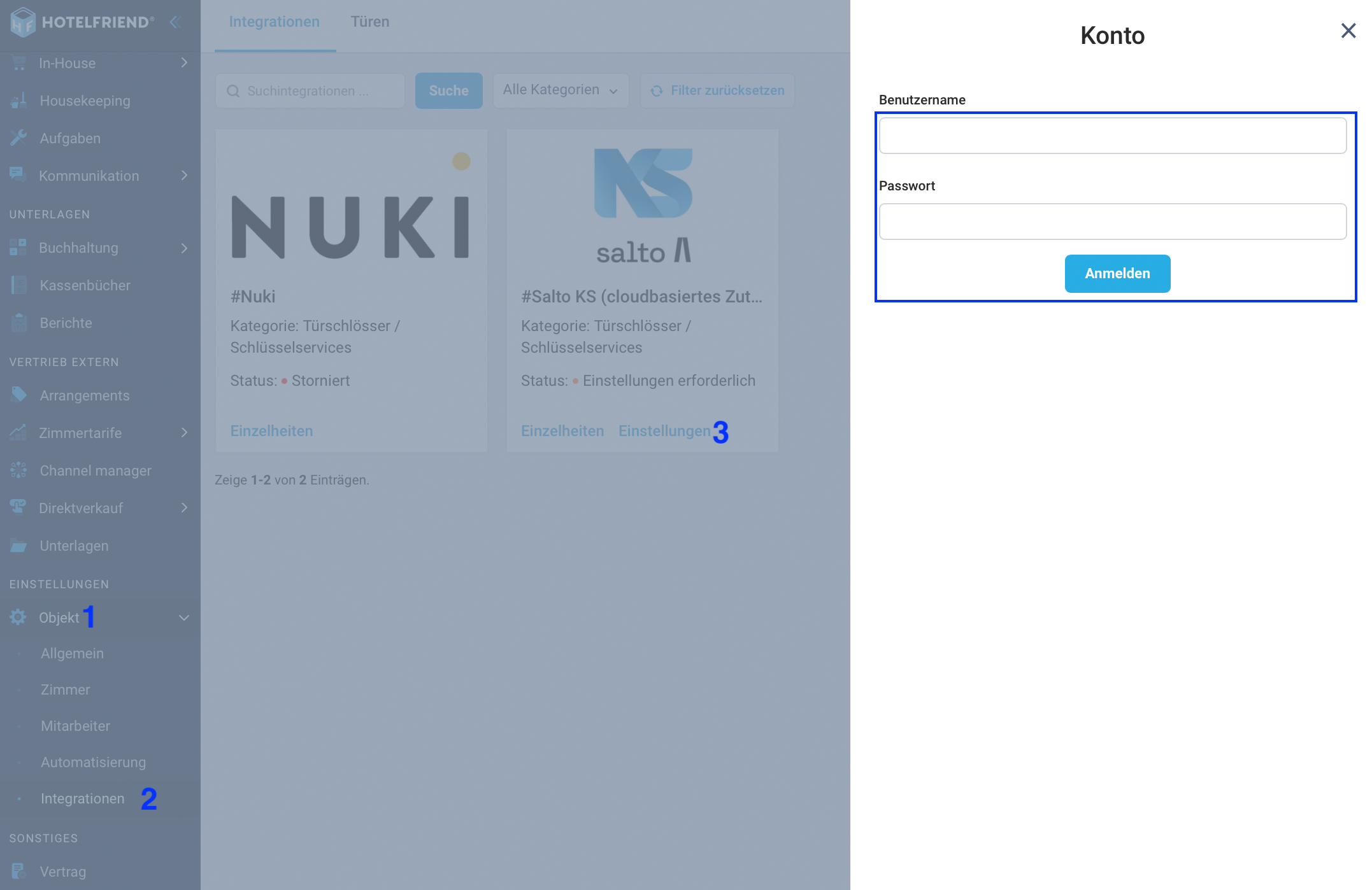
1. Set up integration
- Navigate to Settings -> Property -> Integrations.
- Find the Salto KS section.
- Enter your Salto Username and the Password of your Salto account there.
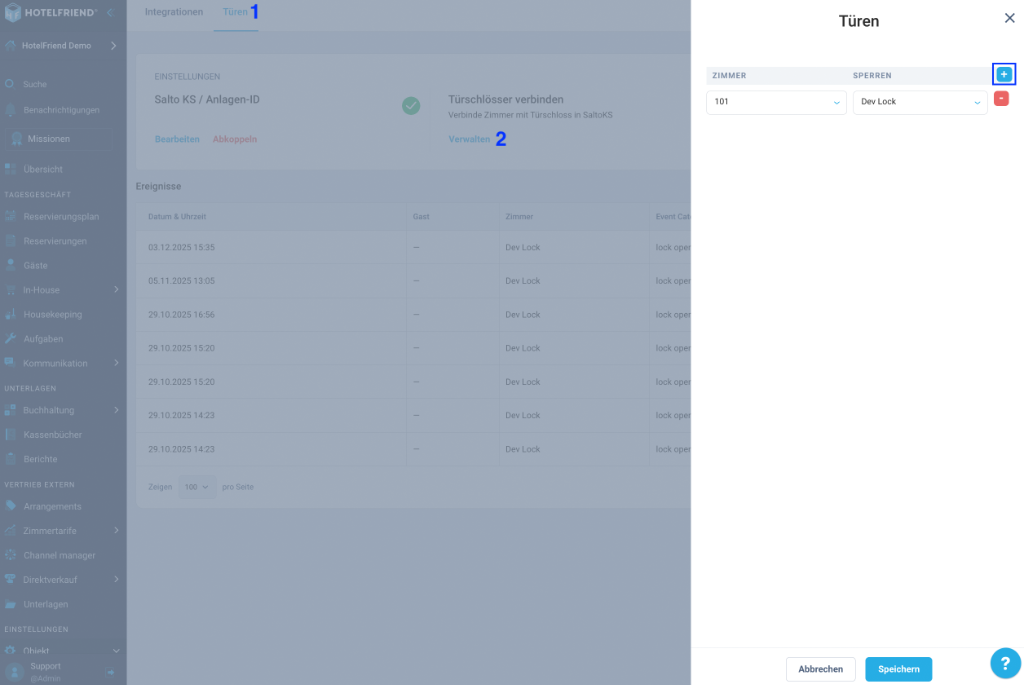
2. Connect door locks
- Switch to the Doors tab (in the "Connect door locks" -> Manage section).
- Here you can now assign the individual locks to the respective doors or rooms.
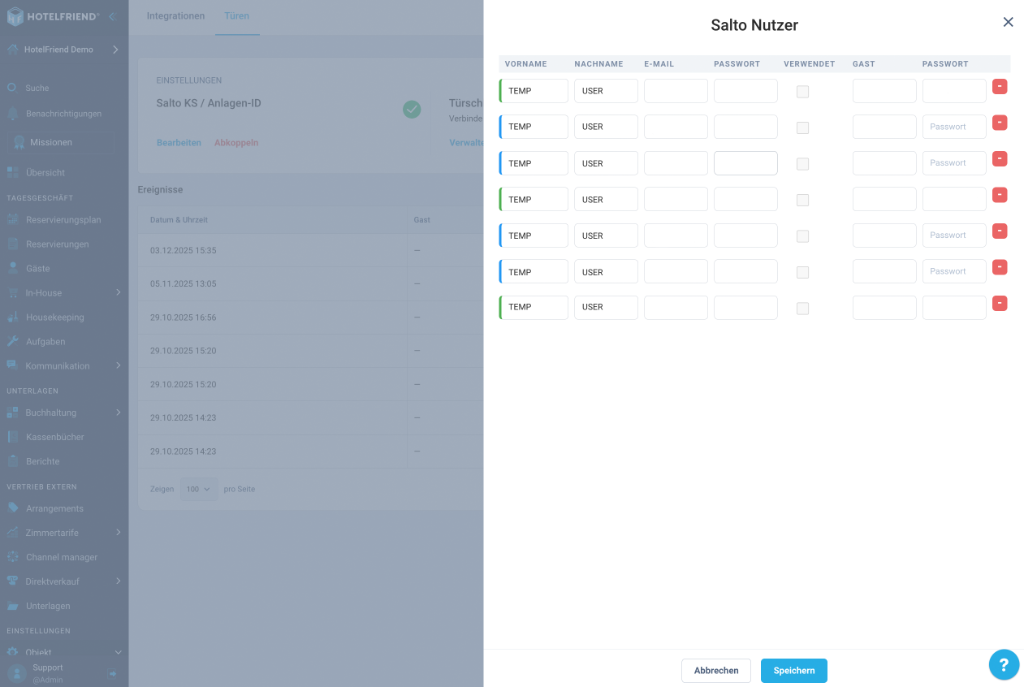
3. Set up key owners
Go to the "Set up key owners" -> Manage section.
- Here you must enter the passwords of your created Salto users to be able to use them.
- Green: The user is correctly created.
- Blue: The user is not correctly assigned.
Note: The individual users cannot be deleted from their Salto account here.
4. Remote Open Door - IQ Configuration
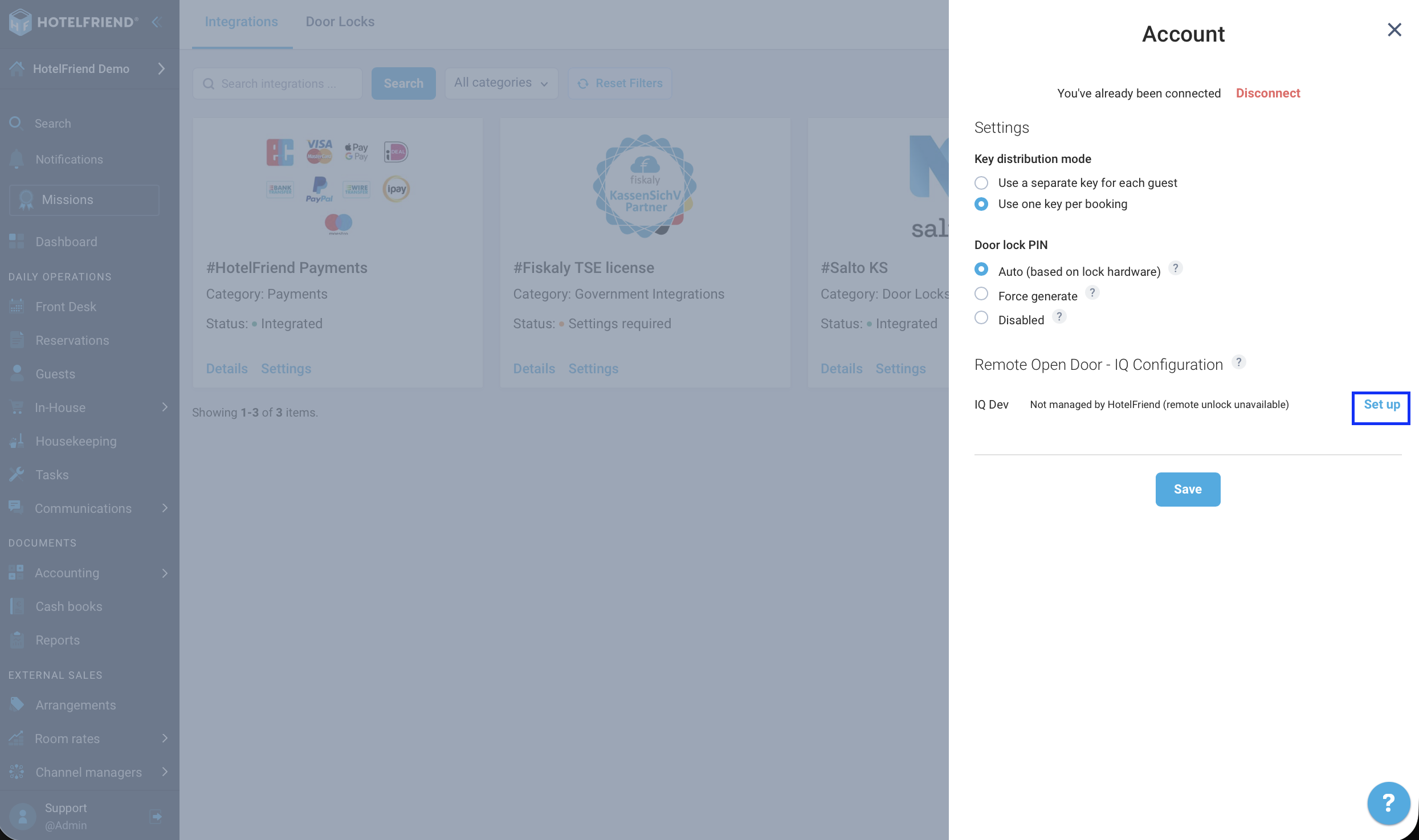
To allow guests to open their room directly in the booking engine without an app, you need to connect your IQ with HotelFriend.
- In the Salto KS integration settings, find the Remote Open Door - IQ Configuration section.
- Click Set up next to your IQ device to connect it.
Guest functionality
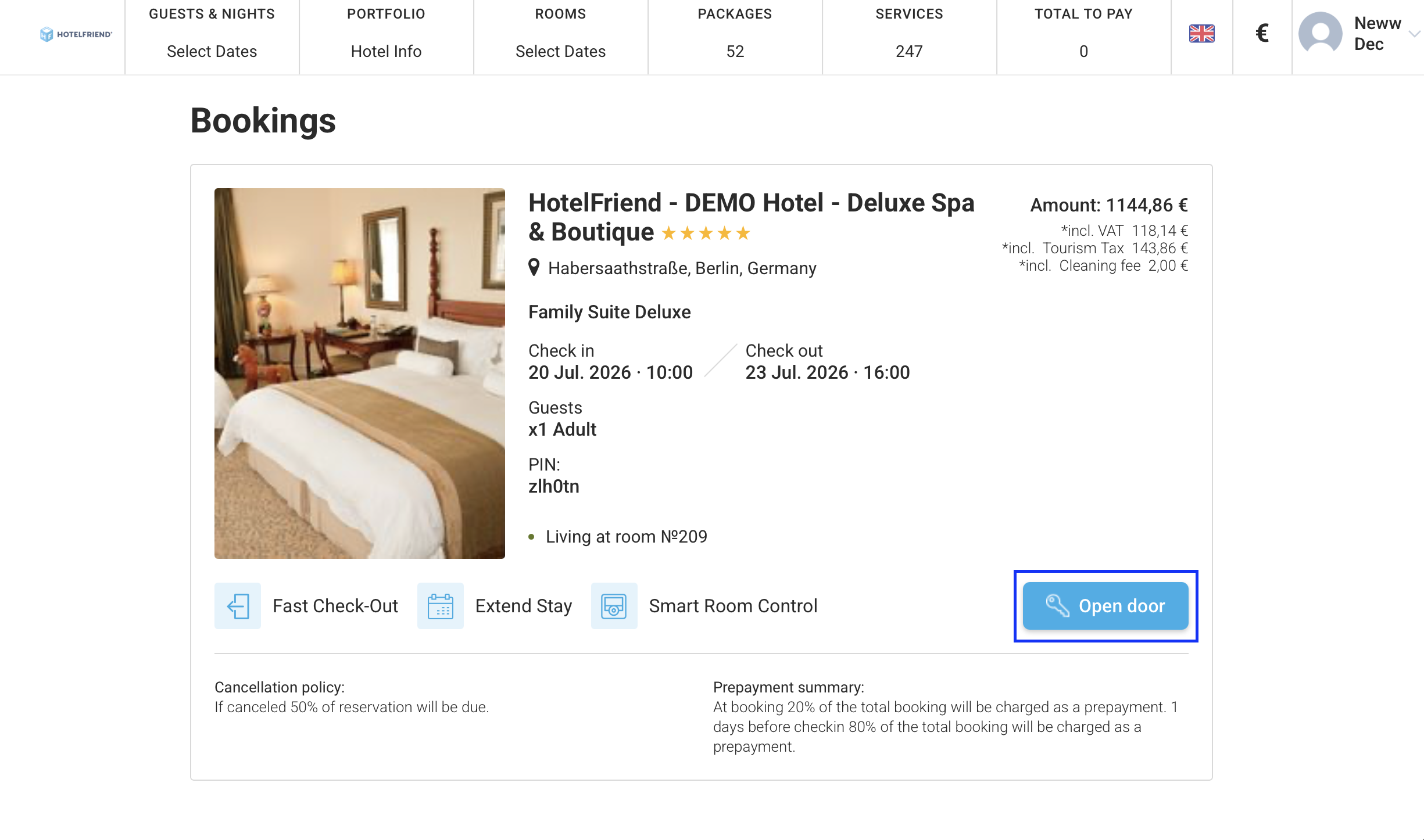
If everything is set up correctly, the guest should now be able to open their door using the HotelFriend Concierge App once they have checked in.
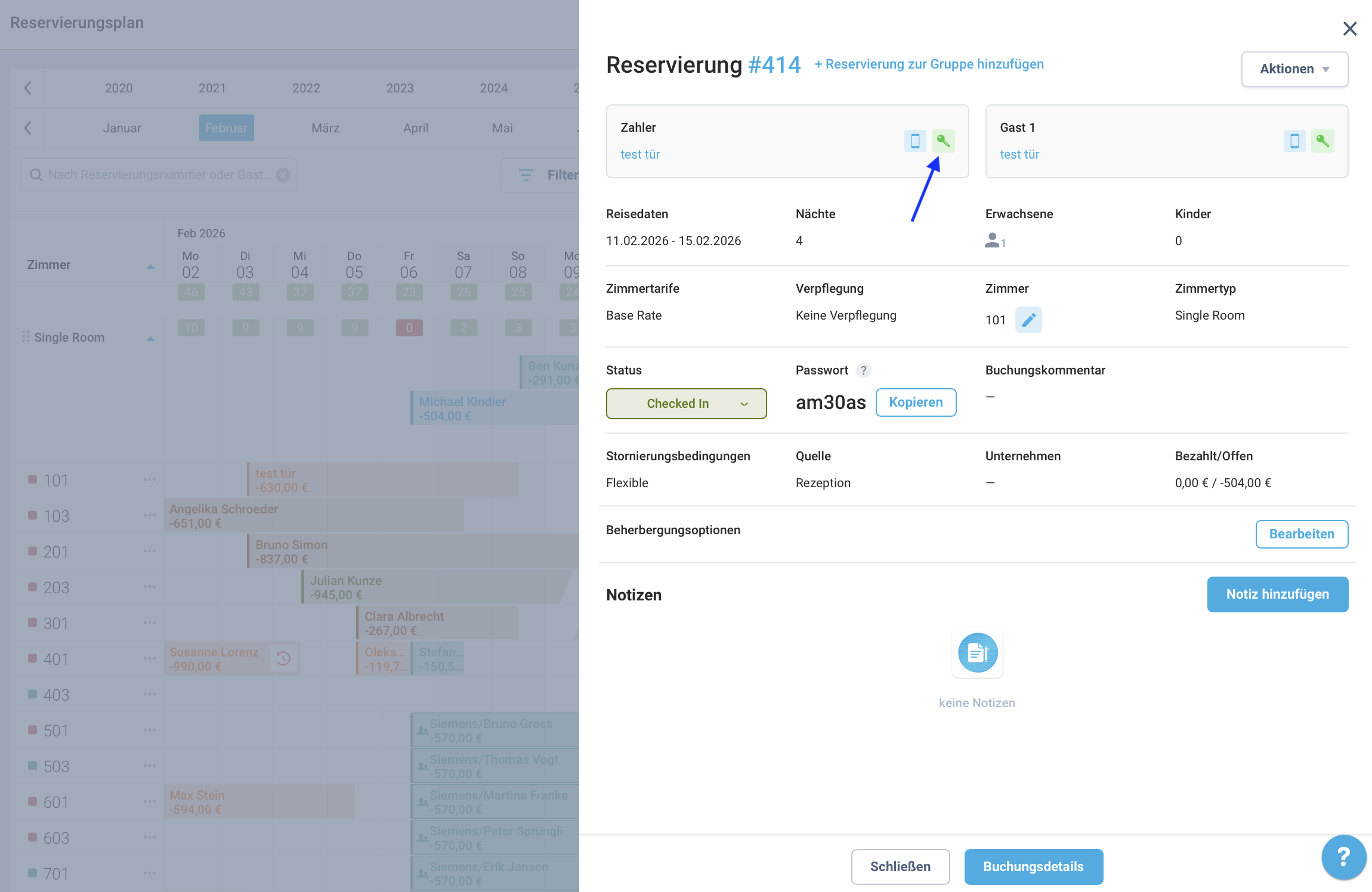
Additionally, if you have configured the IQ connection, guests can open their room directly in the Booking Engine without needing to download any app!