

How to add registration form through the booking card
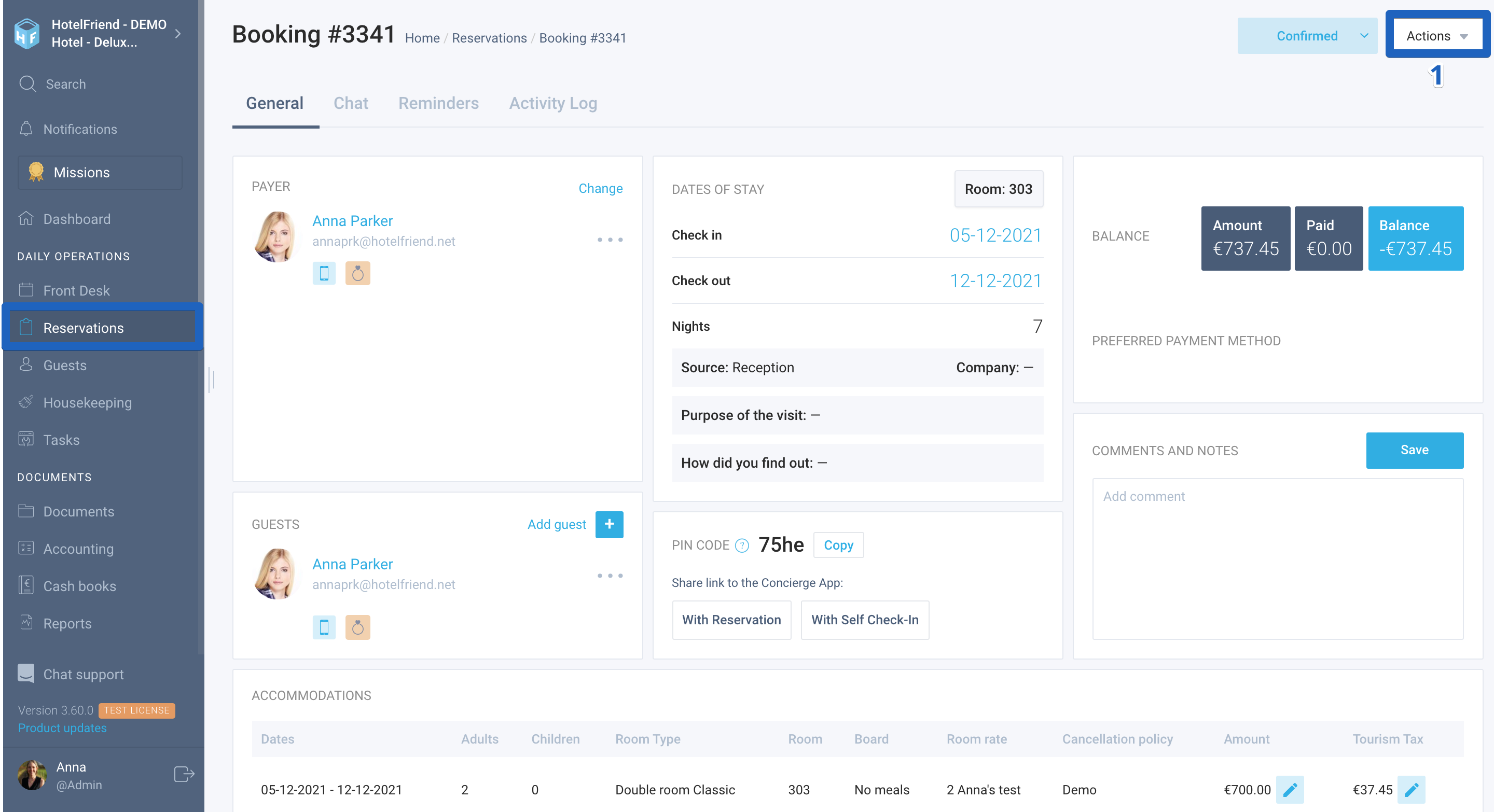
From the booking card, you can easily generate a registration form with the guests’ data that they have entered while making a booking. Here is how to do it:
- Open the guest's booking card and click on the “Actions” button in the upper right corner.
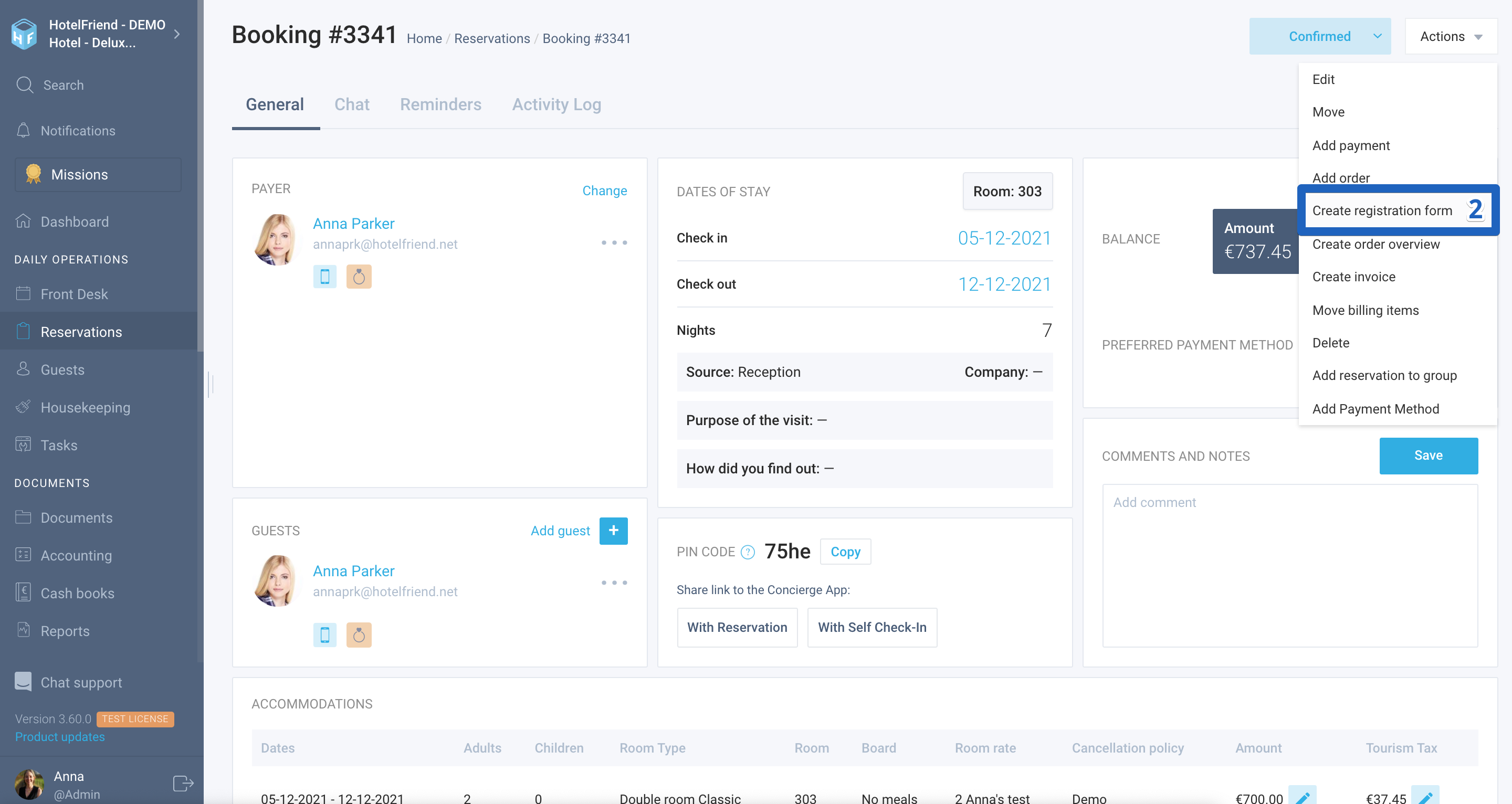
- Select Create registration form.
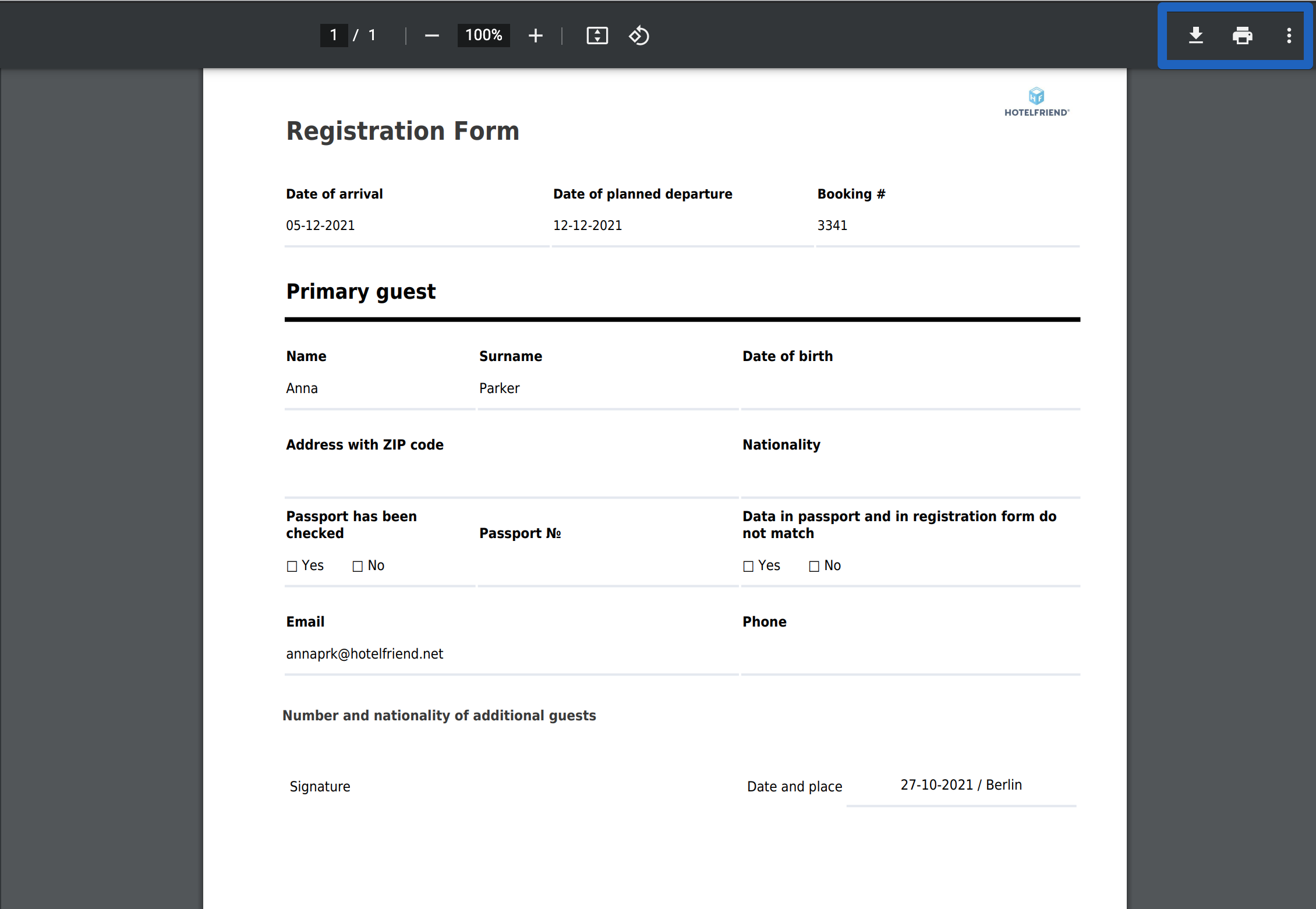
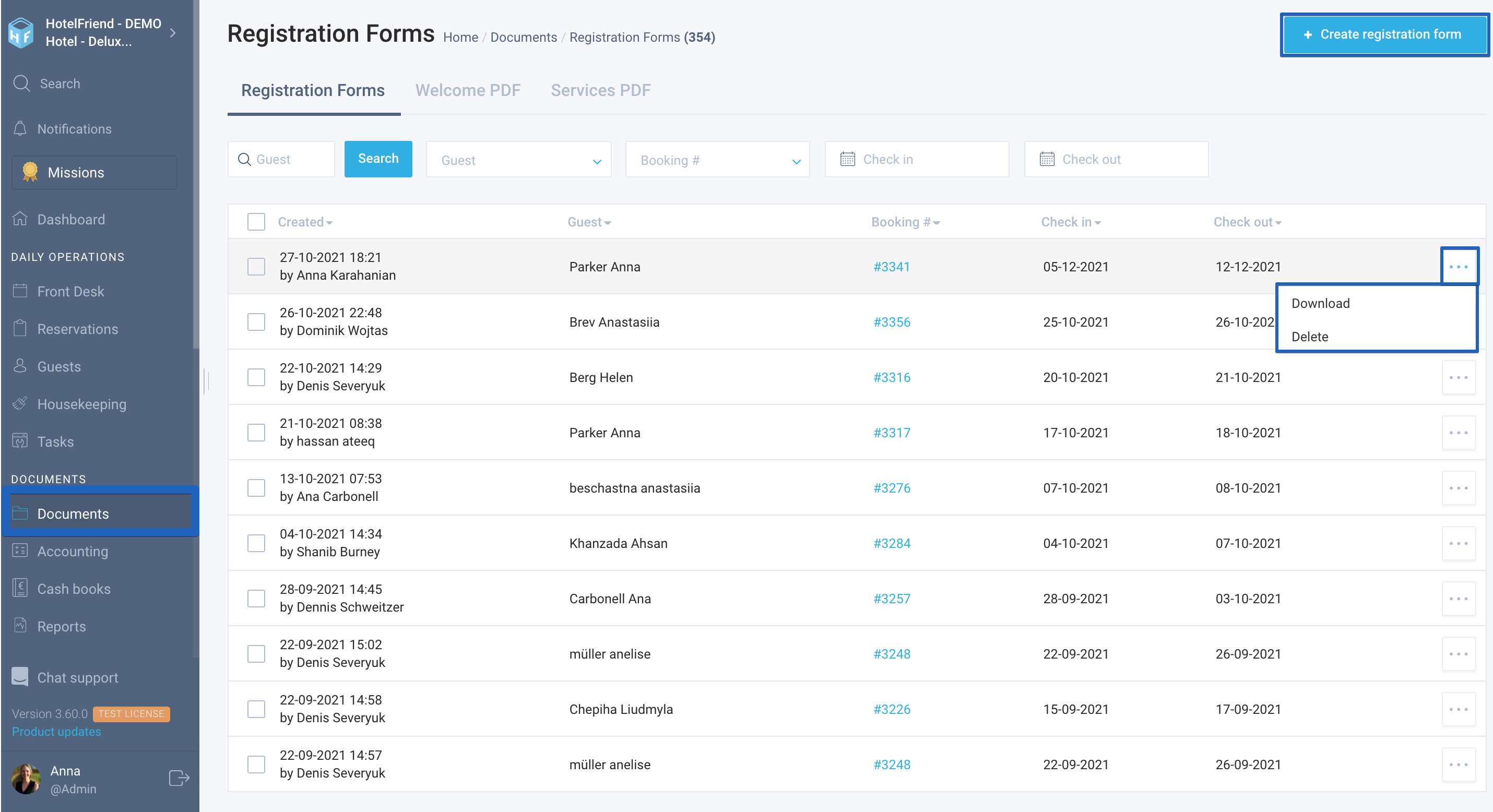
The registration form created by the system can be downloaded to your device. In addition, all registration forms are displayed in the Documents module. MarketingHere you can also create a registration form, download or delete it.
For any extra explanations, please reach out to our support.
Author:

