

Set up Room Assignment Priority
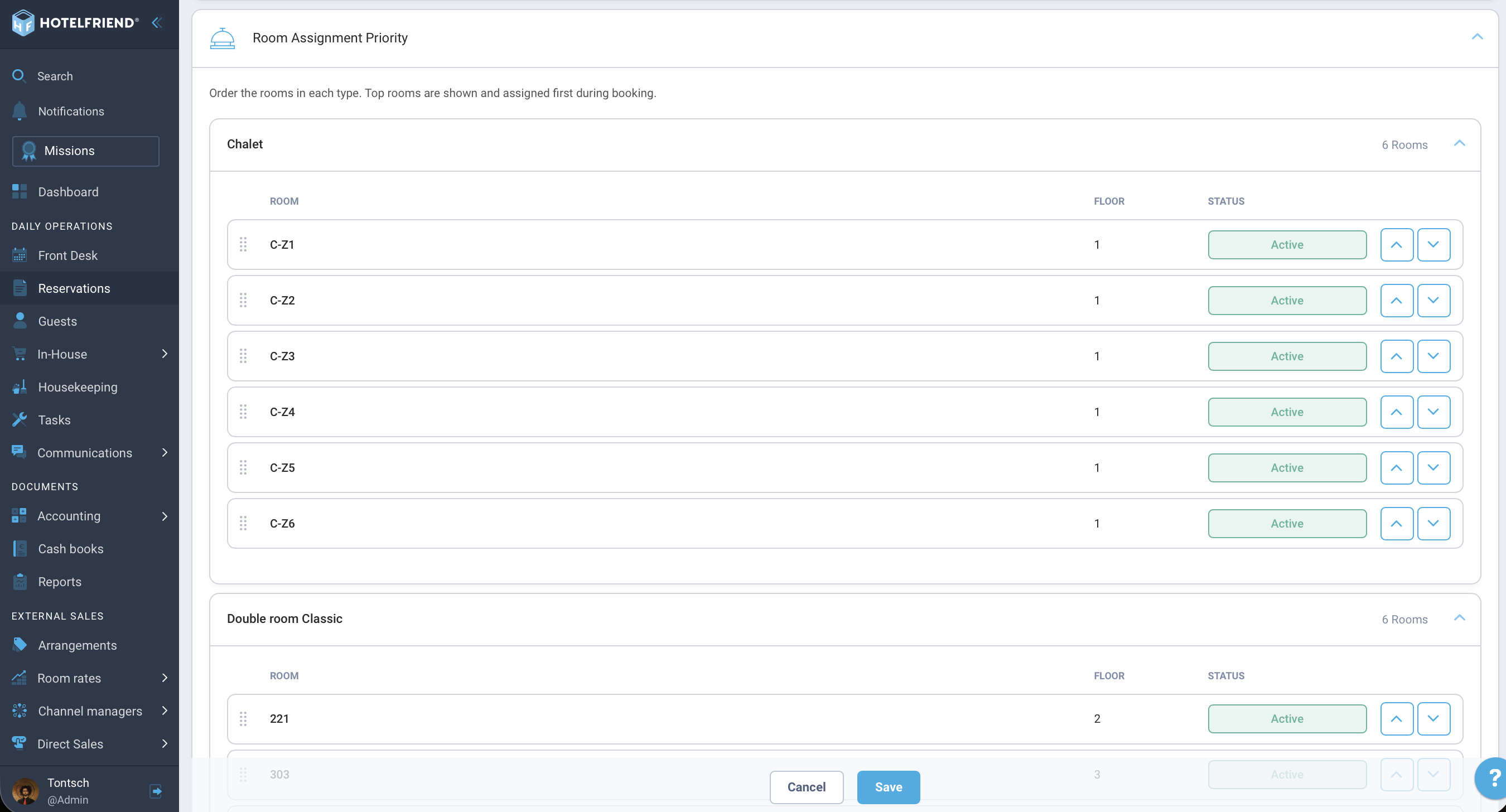
Purpose of the function: This function defines the logical order in which room categories and physical rooms are prioritized, sorted, and suggested for bookings in the system.
How to set up the priority
- Navigation: Go to the Reservations area in the main menu and switch to the Settings tab.
- Operation (Drag-and-Drop): Click on the desired room category (or individual room), hold down the mouse button, and drag the item to the new target position in the list.
- Saving changes: Changes to the priority must be actively confirmed via the corresponding Save button before they apply to new assignments.
System-wide impact
The configured sorting is immediately reflected in the assignment dropdowns at the front desk and in the system's list views. This ensures that specific rooms are always assigned preferentially.
Author:

