
Hoteliers who want to change their property management system (PMS) often put the decision off for one reason: fear of data migration. How do you move guest profiles, reservations and rates from the old system into the new one without losing anything? And how long will you be working between two systems?
A PMS switch is mostly a planning task. With clean preparation, the import itself often takes hours to days. This guide shows how to do it quickly and safely. A dedicated section is for anyone still running HS3 Hotelsoftware and needing to switch before the announced end of support in April 2027.
1. Decide Which Data Really Needs to Move
The biggest time saver is importing less. Not everything in your old system is worth migrating.
Must move:
- Future and in-house reservations. They are the basis of the business. Guest profiles, especially those of regular guests and corporate clients, are equally important. hotelfriend
- Master data: room types, currently valid rate plans, corporate contracts.
- Channel mappings: document how each OTA connection is set up.
Nice to have:
- Guest history and preferences, for personal service and returning-guest offers.
- Recent cancellations. One guide recommends also exporting cancelled reservations from the last 90 days, because refund requests can arrive after you have already changed systems. smartorder
Can stay behind:
- Past reservations don’t need to be active in the new PMS. They can be archived externally and consulted if a dispute with a guest arises.
- Old seasonal rates. Only currently active rate plans need to be imported, because the rates that govern upcoming reservations are what matter.
Rule of thumb: future reservations first, everything else second.
2. Export Everything, Even What You Won’t Import
Before you change anything, take a complete backup of the old system. The records to take with you are reservations, guest profiles, payments, invoices, room configurations and historical reports.
Practical tips:
- Ask your current vendor about available export formats (usually CSV or Excel), how long an export takes and what it costs. Do this early.
- Note the total record counts (guests, reservations, rooms). You will compare these numbers after the import.
- Store the export securely, at least for the statutory retention periods (see section 8).
3. Clean the Data Before You Import It

A new PMS doesn’t repair bad data, it just stores it faster. An import fixes nothing. A spreadsheet with duplicate guests, inconsistent room names and missing reservation fields produces the same errors in the PMS, only faster.
A day of cleanup often saves a week of corrections later:
- Duplicates: merge duplicate guest profiles and flag them before the export, not after. One example: a hotel in Munich found and merged more than 3,000 duplicate guest profiles while preparing its migration. smartorder hotelfriend
- Room names and types: one consistent scheme (for example “Standard Double Room” instead of “DR”, “Dbl Std” and “DR standard”).
- Formats: uniform dates, phone numbers with country codes, country names.
- Rates: delete outdated tariffs and check the rest for accuracy.
- Missing fields: reservations without a departure date, room type or price will fail at import.
4. Use the Import Template and Test with a Small Batch
Don’t guess the format. Before editing your spreadsheet, get the PMS’s import template or field requirements. Most systems provide a sample CSV or an import guide listing required and optional fields.
Recommended order:
- Rooms and room types
- Rate plans and tariffs
- Guest profiles and company accounts
- Future reservations, linked to guests and rooms
And do a trial run: don’t import all records at once. Start with a test batch and check that the data flows properly, whether formatting issues appear and whether links between guest profiles and reservations break. 20 to 50 records are usually enough to reveal systematic errors such as swapped columns or broken special characters (ä, ö, ü, ß, é, ł). roommaster
5. Verify Before You Switch Off the Old System
The import is not the finish line. Before you switch over, confirm that every future reservation transferred with correct dates and amounts, spot-check rates and fees, and test that each channel syncs availability in both directions.
Your verification checklist:
- ✅ Record counts match the numbers you noted beforehand
- ✅ 20 to 30 future reservations checked by hand (date, room, guest, price, deposit)
- ✅ Deposits and prepayments transferred correctly
- ✅ Arrival list for the next 7 days identical to the old system
- ✅ Special requests and notes (allergies, late arrival, VIP) visible
- ✅ Test booking created, changed and cancelled
6. Reconnect Channels in the Right Order
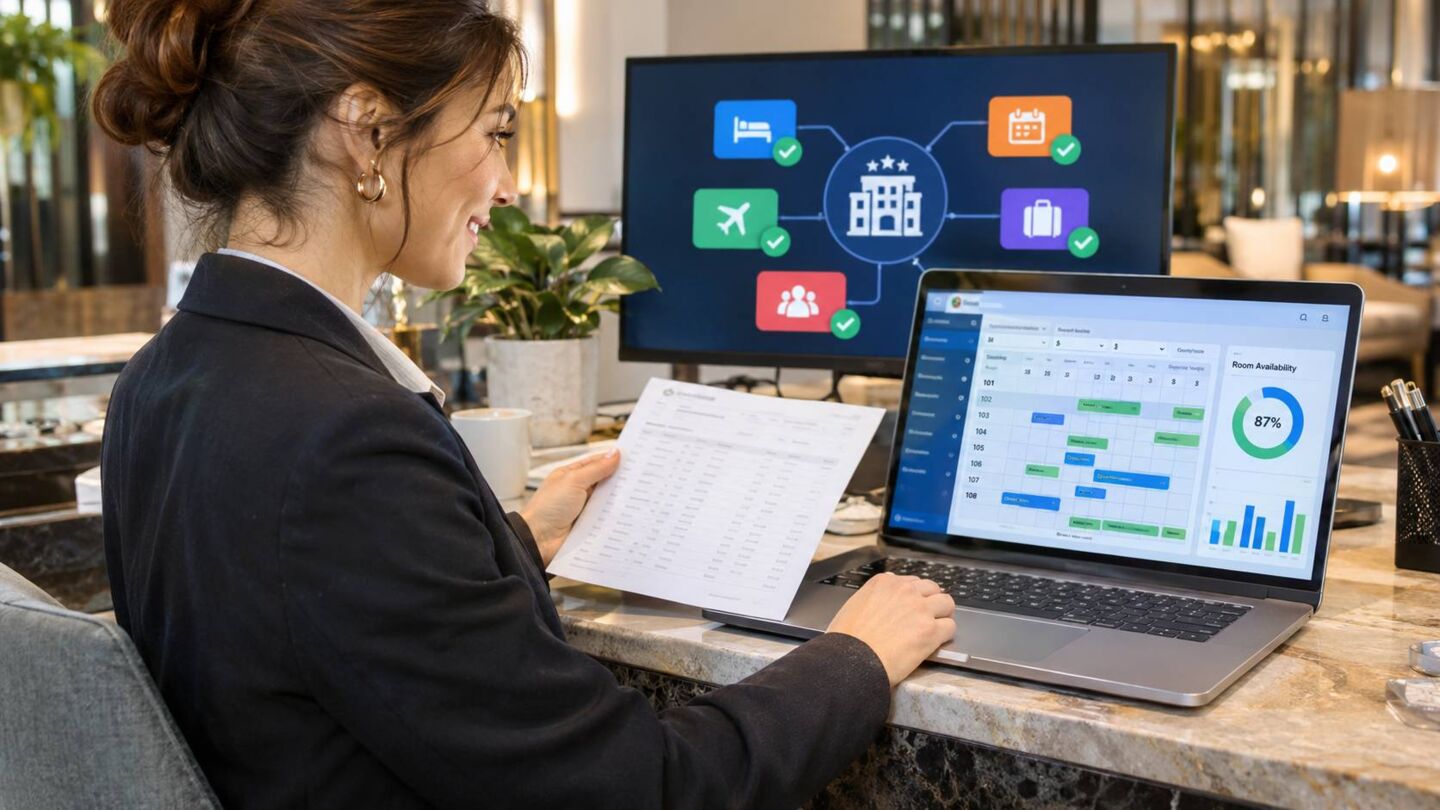
This step carries the highest risk of double bookings. Don’t start remapping OTAs until the data import has been verified.
A safe sequence:
- Freeze rate and availability changes. Avoid pricing edits during the cutover window. redawning
- Document every OTA connection (Booking.com, Airbnb, Expedia, your own website) before you disconnect anything.
- Connect the new channel manager and map rooms and rates per channel.
- Test: block a date in the new PMS and confirm it closes on every channel.
- Only then disconnect the old system’s channel connections.
After that: new bookings enter the PMS automatically through the channel connection, and the manual import is a one-time job for existing data.
7. Choose the Right Time
For timing, planning counts as much as technique. Pick the window with the lowest booking density, so any hiccup affects the fewest future reservations.
In practice that means not the weeks before Christmas and New Year, but a quieter phase, for example:
- Early November to early December (before the peak)
- After the winter season, in February or March
- Before the summer season, in April or May
If you are planning in late autumn and expect full occupancy in December, start sensibly with the export, cleanup and vendor selection, and schedule the actual switch for a quieter period.
8. Protect Guest Data: GDPR, GoBD and DATEV
A migration moves personal data, so data protection applies. Protecting guest data requires strict compliance with regulations such as GDPR and CCPA throughout the migration process.
In practice:
- Transfer files only in encrypted form, never by plain email.
- Sign a data processing agreement (DPA) with the new vendor.
- Don’t import data you are no longer allowed to keep, such as very old guest profiles.
- Delete temporary exports from laptops and network drives as soon as the migration is complete.
Accounting: For German hotels, GoBD and DATEV come on top. The GoBD cover areas such as traceability, retention, protection against undocumented changes, electronic records and access by the tax authorities. Clarify the following with your tax advisor in advance: hotelfriend
- Export format and chart of accounts
- Tax keys and debtor handling
- Correction processes and export periods
- How invoices and records from the old system remain readable and auditable after it is switched off
If you operate a cash-register system, also check the requirements under KassenSichV and TSE. (This is general orientation, not legal or tax advice. Retention periods differ by document type.)
9. Costs and Questions for Vendors
Migration costs are rarely a single item. One vendor guide puts the cost for an independent property at typically $500 to $2,500, depending on data volume, export format, import fees and support for OTA remapping. The figure comes from a US-focused vendor and is only a rough benchmark. smartorder
Ask both vendors before signing:
- Old system: Which formats can I export, how long does it take and what does it cost?
- New system: Which data categories do you import, in which formats, at what price, and is OTA remapping included in the onboarding fee?
- Who performs the import: you or their onboarding team?
- Is there a parallel-run phase, and what happens if the import fails?
One warning from the same source: a vendor that postpones data portability questions until “after you are set up” is creating a future leverage point over you.
Special Case: Importing Data from HS3 Hotelsoftware (End of Support April 2027)

If you work with HS3 Hotelsoftware (also written HS/3), switching is no longer a “someday” question.
The Situation
- In May 2024, Mews announced the acquisition of HS3 Hotelsoftware, a German-founded on-premise PMS. mews
- Several market sources name April 2027 as the end of support for HS3. hotelfriend
- Important: one of these sources itself points out that the HS3 customer FAQ speaks of an expected three-year transition period from May 2024, but does not name a single shutdown date for all products, services, interfaces and customer contracts. So have the cut-off date for your installation and contract confirmed in writing. hotelfriend
Counting from today (end of October 2026), you have about five months until April 2027. That is doable but not generous, especially with Christmas, New Year and the ski season in between.
Why HS3 Needs Special Planning
HS3 is an on-premise solution. That usually means your data sits on your own server or workstation, not in the cloud. One example hotel reports that its HS3 operation was tied to a single workstation: after moving to Mews, staff could work remotely for the first time. This has consequences for your migration plan: mews
- The database and backups are yours. You have to secure and keep them yourself.
- Interfaces to accounting, cash register, key system and phone system are set up individually. HS3 offers interfaces for data exchange, for example for check-in terminals, digital guest directories and financial accounting, as well as for cash-register, locking and telephone systems. Each of these connections has to be rebuilt in the new system. getapp
- Hardware, servers and licences may run on their own terms.
Step by Step: Securing and Importing HS3 Data
Step 1: Clarify the cut-off date and contract. Get written confirmation from HS3 of what applies to your installation. Ask about the support and maintenance timeline for your installed version, the status of the booking engine, interfaces and separately contracted services, the available export formats, access to archived documents and tax records after the transition, and any notice periods and hardware dependencies. hotelfriend
Step 2: Take inventory. Document:
- HS3 version (Basic, Professional or Premium) and modules in use
- Number of workstations, servers and printers
- All interfaces (channel manager, booking engine, cash register, key system, phone, accounting)
- Your own templates for invoices, confirmations and mail merges
Step 3: Full backup. Create a complete backup of the HS3 system and store it separately from the live system. This backup is your insurance if questions about invoices, deposits or guest data come up later.
Step 4: Generate export files. Have HS3 or your system administrator confirm which data can be exported in which format. Lists (CSV or Excel) are common for:
- Guest and company master data
- Future reservations including room, price, services and deposits
- Room and rate master data
- Open items, balances and deposits
- Invoices and accounting data from the past
What the system can export in your case depends on edition, version and modules. Clarify this early, because it decides whether the new software can import directly or whether data must be prepared by hand.
Step 5: Clean and map. Match the HS3 fields to the fields of the new PMS. Clean up duplicates, standardise room names and rate codes, and note what cannot be transferred directly. Fields that cannot be mapped directly should be documented so it is clear whether the information will be archived, transformed or handled separately. hotelfriend
Step 6: Test import and acceptance. Import a small batch first and check especially carefully: upcoming arrivals, room assignments, balances, deposits, company invoices, tax rates and contact data.
Step 7: Check accounting separately. Have your tax advisor approve the transfer of invoices and balances and the DATEV export in the new system before the old system is retired.
Step 8: Cutover with a fallback plan. Define the time of the last export, decide how reservations arriving during the switch are handled, and keep HS3 available as a reference until verification is complete.
Step 9: Archive old data. Even after the switch, invoices and tax-relevant records must remain readable and auditable for the statutory periods. Agree with your tax advisor on how the archive is kept, and don’t delete anything before the periods have expired.
How Long Does the HS3 Switch Take?
It depends on data quality, interfaces and hotel size. As a guide, one hotel reports four weeks to go live. That is a vendor success story, not a guarantee. Plan realistically, especially for interfaces, training and accounting sign-off. hoteltechreport
Which Successors Are Available?
The choice is wide. On the vendor side, Mews (the buyer of HS3) and HotelFriend, among others, actively target HS3 switchers. By their own account, both offer migration support and webinars or consulting for HS3 customers. Assess each offer by the same criteria:
- Which HS3 data is transferred exactly (guests, reservations, rate plans, history)?
- Is migration included in the price or charged separately?
- How well are DATEV, GoBD, cash register and TSE covered?
- Are channel manager and booking engine included or paid add-ons?
- How good are support and response times, and are there references from other HS3 switchers?
Get references and talk to hotels that have already made the move. Online reviews show that experiences vary, especially regarding support and ongoing additional costs. Compare total cost over the contract term, not just the monthly fee.
Timeline for HS3 Hotels (Example)
|
Period |
Task |
|
November 2026 |
Clarify contract and cut-off date, take inventory, request offers and watch demos |
|
December 2026 |
Decide and sign; clean data (avoid loading migration work onto peak season where possible) |
|
January 2027 |
Set-up, mapping, first test import, plan interfaces |
|
February 2027 |
Second test import, training, tax advisor sign-off, prepare channel switch |
|
March 2027 |
Go-live in a quiet week, parallel operation with fallback plan |
|
April 2027 |
Follow-up checks, archiving, final closure with HS3 |
Note that Easter 2027 falls at the end of March. Don’t schedule the cutover for Easter week.
Timeline for a Standard PMS Switch
|
Phase |
What happens |
Typical duration |
|
Preparation |
Inventory, export, cleanup |
2 to 5 days |
|
Set-up |
Rooms, rates, users, taxes |
1 to 3 days |
|
Test import |
Small batch, fix errors |
1 day |
|
Full import |
Guests and future reservations |
Hours to 1 day |
|
Verification |
Counts and spot checks |
1 to 2 days |
|
Channel switch |
Mapping, block tests |
1 to 2 days |
|
Training and go-live |
Team trained, old system as backup |
1 to 3 days |
These are estimates. Properties with many corporate contracts, groups or rate plans need more time.
Conclusion
A PMS switch is far less risky when you treat the data as a project with clear priorities: future reservations first, clean before you import, test with a small batch, verify before you switch, and connect channels last. Choose a quiet period, ask both vendors the right questions, and keep your old data safely archived.
For HS3 hotels there is more: confirm the exact cut-off date for your installation, secure the database completely, and start now rather than in spring. Those who plan in time start with correct records and without time pressure in the new system.

HotelFriend F.A.Q.
Frequently Asked Questions
Which data is most important in a PMS switch?
Future and in-house reservations, followed by guest profiles, room types and valid rate plans.
Do I have to import all old reservations?
No. Past reservations can be archived outside the PMS and consulted when needed. Importing the history is optional.
How do I avoid double bookings during the switch?
Freeze rate changes, verify all future reservations first and connect the OTAs only after the import has been checked. Test that a blocked date closes on every channel.
When is the best time to switch?
In the phase with the lowest occupancy, not in the weeks before a peak season.
How do I handle guest data under GDPR?
Transfer it encrypted, sign a data processing agreement with the new vendor, import only data you are allowed to keep, and delete temporary exports after the migration.
Will HS3 Hotelsoftware really be shut down in April 2027?
Several market sources name April 2027 as the end of support. One source, however, notes that the official HS3 customer FAQ gives no single date for all products and contracts. Have the cut-off date for your installation confirmed in writing.
How do I secure my HS3 data?
Create a full database backup, export guests, reservations, rates, balances and invoices in usable formats, and store the backup separately. Clarify with HS3 and your tax advisor what must remain available and for how long.
How long does the switch from HS3 to a new PMS take?
From a few weeks to several months, depending on hotel size, data quality and interfaces. Plan a buffer for HS3 because the cut-off date is approaching and many hotels will switch at the same time.
Three notes on this text:
