Guest expectations around hotel check-in have shifted quickly: 78% of hotel guests want more self-service kiosks, part of a wider trend where about 80% of consumers now prefer non-traditional checkout options like kiosks or apps (Samsung Business Insights), and adoption skews younger, with 59% of 18- to 34-year-olds using self-service regularly versus 39% of 55- to 65-year-olds (HotelTechReport).
The market is scaling to match, projected to grow from about USD 34.2 billion in 2024 to USD 92.8 billion by 2034 (Fact.MR), so this guide compares the leading kiosks, apps, and front-desk automation platforms, including where HotelFriend fits as an all-in-one option, to help you find the right match for your property.
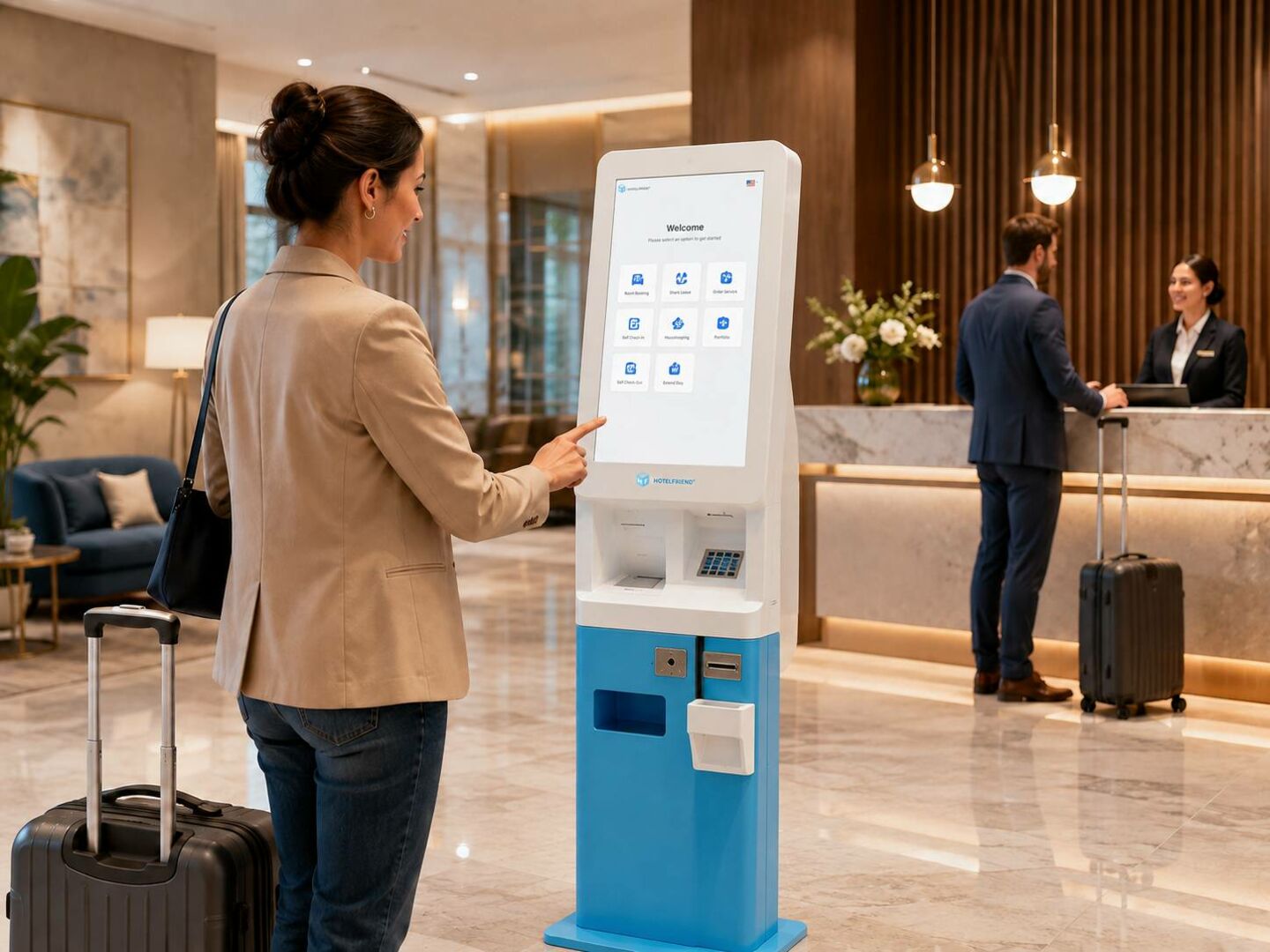
Why Self-Service Check-In Is the New Standard
Self-service check-in is no longer a nice-to-have, but an expected part of the hotel guest experience. Travellers used to mobile boarding passes, contactless ordering, and app-based deliveries are now expecting that same speed and control in the lobby. Hotels are still under pressure to keep labour costs in check without sacrificing service during peak arrival times. Self-service technology caters to both needs at the same time, offering guests a faster way to check in and properties a smarter way to use staff time.
Guest Expectations in 2026
The modern traveller approaches a hotel with the same expectations they have when entering an airport or a coffee shop – they want to move fast and take control of the process themselves. Mobile boarding passes, QR-code ordering, and app-based deliveries have taught travellers to expect convenience on their own terms. So after a long flight, the last thing they want is to stand in a lobby line while an agent manually checks their reservation.
Guests already have self-service kiosks and mobile check-in flows that allow them to verify identity, select a room and get a digital key before they even enter the building. This is fast becoming the baseline expectation, especially for younger and business travellers who prefer speed and independence to face-to-face interaction. Hotels that don't provide it are getting called out for all the wrong reasons.
Staff Cost & Time Savings
Beyond guest experience, self-service check-in makes strong operational sense. Front desk staffing is one of the more significant recurring labour costs for any property, and check-in/check-out periods create predictable surges in demand that are expensive to staff for.
Hotels can:
- ● Offload routine, repetitive tasks such as ID verification, payment processing and key issuance to self-service technology.
- ● Cut front desk staff during peak check-in times without sacrificing service quality
- ● Use staff time for higher-value guest interactions such as concierge requests, upsells, or resolving complex issues
- ● Significantly reduce average wait times, relieving the stress on staff dealing with frustrated guests waiting in long queues
- ● Scale easily during times of high occupancy or events without scaling labour costs proportionally
For many properties, the math is simple: the upfront investment in self-service infrastructure pays for itself in reduced labour hours and improved staff efficiency in a relatively short window.
Top 5 Self-Service Check-In Kiosks for Hotels
Choosing the right self-service check-in solution comes down to your hotel's size, guest volume, and budget. Physical kiosks handle ID verification, payment, and key dispensing on-site, ideal for high-traffic hotels or walk-in guests, while app-based flows run entirely on the guest's own device with no hardware to install. Here's a look at both approaches to help you find the right fit.
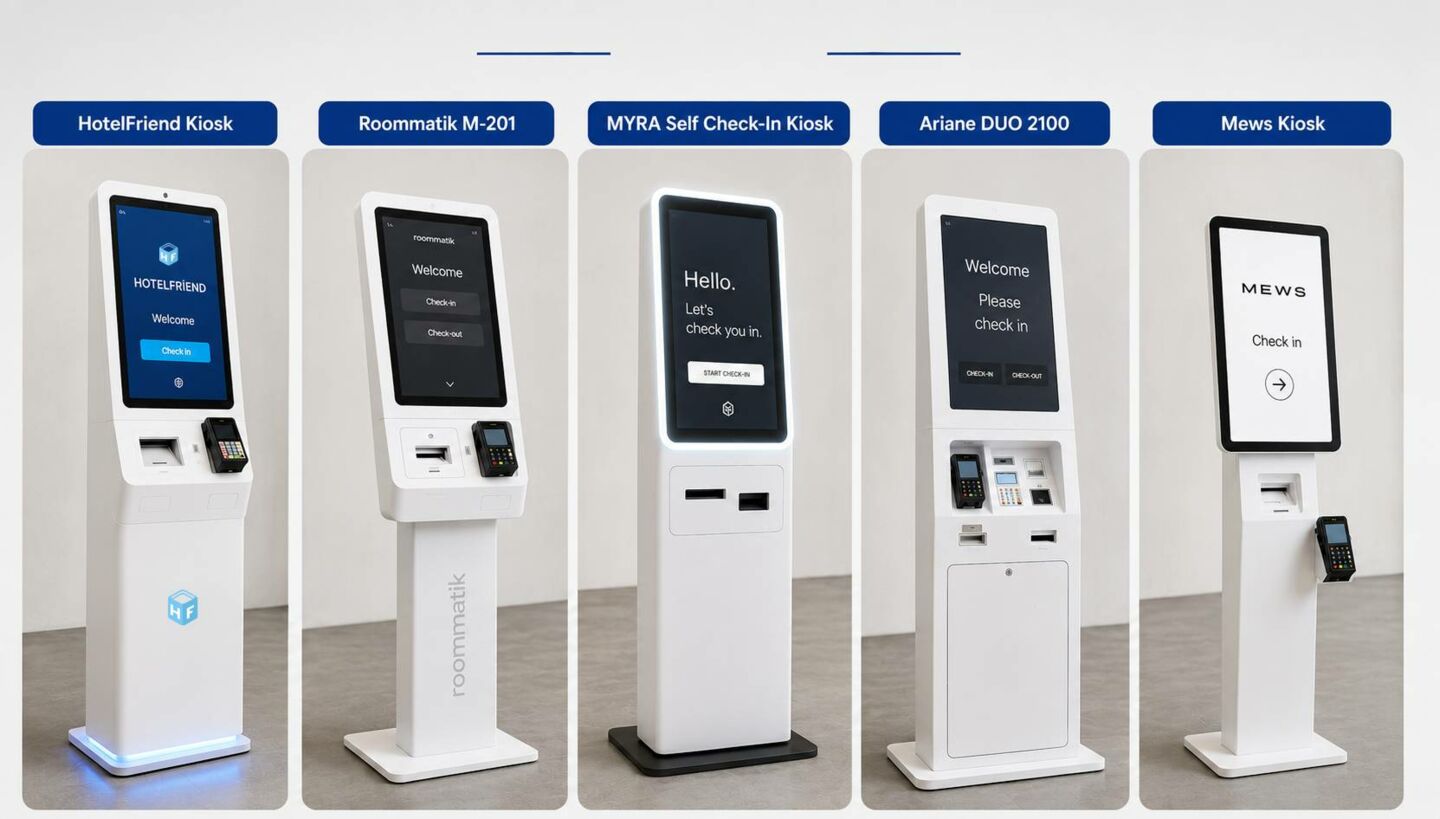
Kiosk Hardware Compared
Self-service kiosks can come in a wide range of hardware configurations, from small tablet-based stations to full-service terminals with integrated payment, ID scanning and keycard systems. The table below offers a comparison of five of the top hotel check-in kiosks to show how their core hardware differs and what types of properties they are best suited for.
Hotel Self-Service Check-In Kiosk Hardware Comparison
|
Kiosk |
Kiosk Design & Display |
ID Verification & Payments |
Key Encoding & Receipt Printing |
Best For |
|
HotelFriend Kiosk |
• Full-service freestanding kiosk • Computer and camera integration |
• Thales passport and ID reader • Adyen payment terminal • Card and contactless payment support |
• NFC/RFID keycard encoder • Automatic room-card dispenser • Built-in receipt printer • Compatible with SALTO, ASSA ABLOY, and Dormakaba locks |
Hotels that want one kiosk connected to the PMS, payments, room access, and guest services |
|
Roommatik M-201 |
• Freestanding steel body • Integrated touchscreen and camera • Ethernet connectivity |
•Passport ID scan, QR reader • Bank-card terminal • Cash acceptor optional |
• Dispenses standard room keys • Supports RFID and magnetic-stripe cards • Built-in receipt and document printer |
Unattended and limited-service hotels that need cash payments and support for several key formats |
|
MYRA Self Check-In Kiosk |
•15.6" screen •Depth- sensing camera, brandable exterior |
• ID scan with OCR/document check • Chip-and-PIN and contactless mobile wallets |
• Keycard encoder with auto dispenser • Built to need less maintenance |
Design-conscious hotels looking for flexible installation and polished hardware |
|
Ariane DUO 2100 |
• Compact countertop unit • 15-inch touchscreen • Built-in QR-code reader • Custom colours and branded graphics |
• Optional external payment terminal • Optional passport and ID reader • Modular hardware configuration |
• Automatic magnetic-stripe or RFID card encoding • Integrated keycard dispenser • Optional printer for receipts and registration documents |
Hotels focused on quick room-key collection after online pre-check-in |
|
Mews Kiosk |
• Tablet-based configuration • No proprietary kiosk hardware required • Choice of tablet, stand, and enclosure • Flexible accessory selection |
• Works with third-party payment terminals • Optional passport scanners and cameras • Hardware depends on integrations |
• Connects with compatible lock systems • Supports third-party key encoders and key-cutting equipment • Printers are added separately |
Hotels that prefer a lightweight setup and the freedom to select their own hardware |
(Information is taken from open sources. Valid as of August 2026)
HotelFriend Kiosk earns its place at the top of this comparison not because of any single feature, but because of what running one connected system actually saves a hotelier. Fewer vendor contracts to manage, fewer support calls to route when something breaks, and no guessing whose system is at fault when check-in, payments, or room access don't sync up.
For hoteliers already stretched thin on staff and attention, that consolidation is the real value, not a longer feature list, but one less thing to manage.
Case Study: Das Kittchen, Wismar, Germany
Property: Das Kittchen is a 35-room hostel in Wismar, Germany, converted from a historic former prison into a modern self-service style stay.
Challenge: With an unconventional building layout and a lean team, the property needed guests to be able to arrive and get into their rooms without relying on a staffed front desk at all hours.
Solution: Das Kittchen installed a wall-mounted HotelFriend kiosk in the lobby for guest check-in and check-out, connected directly to the property's PMS. To carry the self-service experience through to the room itself, the kiosk check-in was paired with smartphone-enabled door locks, letting guests skip the key-card step entirely and unlock their room straight from their phone once checked in.
Result: The setup lets guests complete arrival and departure independently. It reduces the property's need for round-the-clock front-desk staffing while keeping the process fast and self-directed for guests (HotelFriend Client Showroom).
Software-Only Solutions
For many independent and mid-size hotels, a software-only approach delivers the fastest return on investment. These solutions run through a mobile app or web browser on the guest's own device, eliminating the need for on-site hardware entirely. Guests can complete identity verification, payment, and digital key delivery before they ever arrive.
Key advantages of software-only platforms include:
- ● Fast deployment: hardware installation normally takes days, not weeks
- ● Lower cost: no hardware to buy, install or maintain.
- ● Easy scalability: Easy extension to multiple properties without new hardware investment
- ● Flexible entry point: ideal for boutique hotels, limited-service properties or any hotel testing self-service check-in before investing in kiosk hardware
- ● Expanded capability: many platforms go beyond check-in to support upsells, guest messaging and checkout, making the tool a more complete guest engagement platform
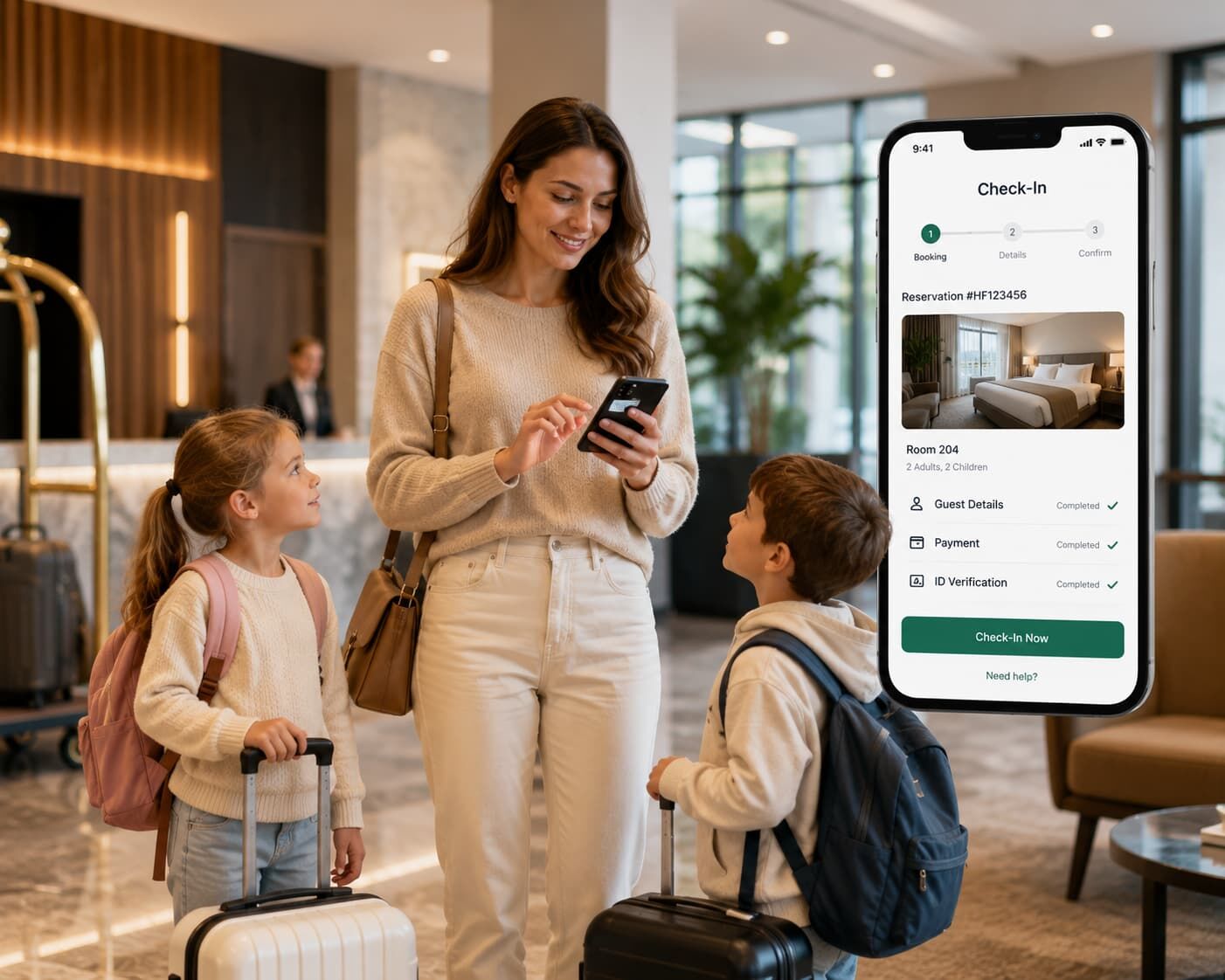
Digital Event Check-In Apps & Visitor Management
Self-service check-in isn't limited to overnight guests. Hotels also need a reliable way to track everyone else moving through the property, from day visitors and vendors to contractors and event attendees. Digital check-in apps extend that same speed and control to visitor management, while mobile-first tools push the experience even further by putting the entire process on the guest's own device.
Visitor Management with Digital Check-In
A digitized visitor management system replaces the paper sign-in sheet with a structured and traceable process. Visitors can register their details, state their purpose and check in within seconds using a lobby tablet or a QR code on their own device. This gives staff a real-time view of who's on the property, useful for compliance, emergency evacuation, and restricted-area access.
Other features like arrival alerts, printed visitor passes, and flags for repeat visitors or watchlist matches also greatly simplify the process for hotels hosting conferences, weddings, or other large events, dealing with high volumes of non-guest traffic without swamping the front desk.
Mobile-First Solutions
Mobile-first check-in solutions mean guests can register, upload documents, make payments, and access hotel services all from their smartphones. Here is a comparison of top platforms that combine digital arrival tools, guest data management, and communication during the stay.
Top Mobile Check-In Apps Compared
|
Solution |
Digital Check-In Features |
Guest & Visitor Management |
Additional Mobile-First Features |
Best For |
|
HotelFriend Guest Concierge Mobile App |
• Mobile check-in and check-out; • Guest detail and ID collection; • Online payment processing; • Digital key and keycard support; • Stay management |
• Centralized guest profiles; • Preferences and internal notes; • Real-time communication; • Guest status tracking; • Complete stay history |
• Mobile concierge; • Room service and hotel service ordering; • Personalized upsells; • Digital guestbook; • In-app chat and feedback |
Hotels that want to manage check-in, payments, room access, guest services, and property operations in one system |
|
Duve Guest App |
• Browser-based online check-in; • Digital registration forms; • Mobile key support; • Online check-out; • QR-code access to the Guest App |
• Personalized guest profiles; • Pre-arrival data collection; • Automated arrival instructions; • Centralized guest messaging; • Custom guest journeys |
• Branded web app; • Personalized upsells; • Digital hotel directory; • Local recommendations; • Automated messages |
Hotels seeking a customizable, app-free guest journey from pre-arrival to departure |
|
Canary Contactless Check-In |
• Contactless mobile check-in; • Guest information collection; • Secure payment processing; • Digital authorization forms; • Mobile room keys |
• Guest arrival tracking; • Pre-arrival communication; • Reservation data synchronization; • Identity verification; • Payment verification |
• NFC and Bluetooth mobile keys; • Guest messaging; • Upselling tools; • Digital tipping; • AI-powered guest engagement |
Hotels prioritizing contactless arrivals, mobile access, payments, and automated guest communication |
|
Chekin – Automate check-in |
• Tourist tax collection; • Online check-in based on link; • ID scanning; • Digital registration forms; • Self check-in and digital keys |
• Centralized guest and booking data; • Automated legal reporting; • Real-time arrival tracking; • Guest registration • File administration |
• Customizable Guest App; • Automated messaging; • Upselling tools; • Digital guidebooks; • Unified guest inbox |
Hotels and accommodation providers that need automated registration, identity verification, and regulatory compliance |
(Information is taken from open sources. Valid as of August 2026)
For guests, HotelFriend Guest Concierge Mobile App means the trip starts working in their favour the moment they arrive: no queue to stand in, no syncing with front-desk hours, and no handing over documents and cards at a counter. Instead, everything happens on their own schedule, at their own pace, with less friction and less of the small stress that comes with unfamiliar check-in routines. It’s less like going through a hotel’s process and more like the hotel reacting to them, all in one place on a device already in hand. The stay feels like it's being led by the guest, not forced on them.
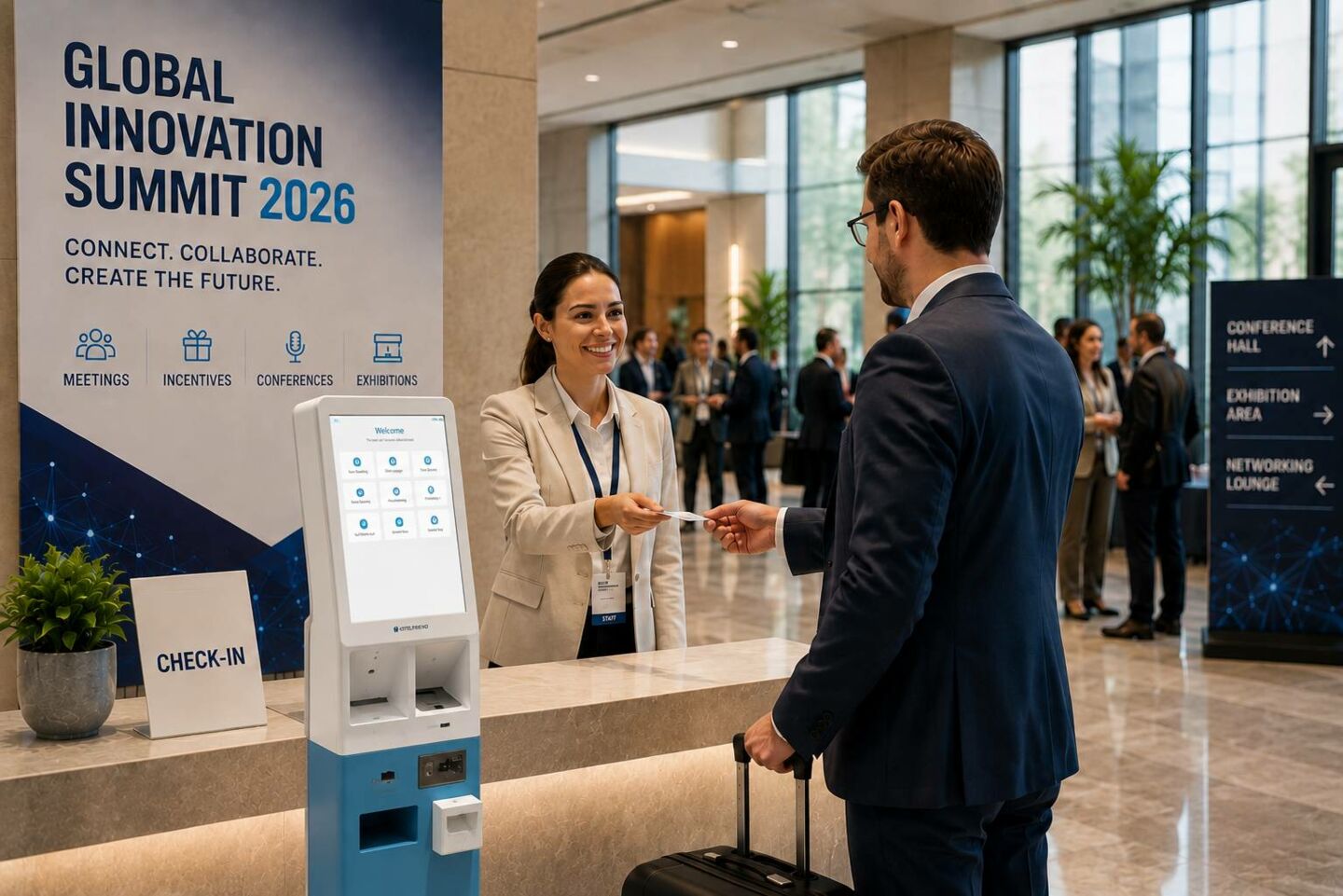
Self-Service for Event Attendees in Conference Hotels
MICE (Meetings, Incentives, Conferences, and Exhibitions) hotels have a different kind of check-in challenge. A large number of attendees arrive in a very short time window, often requiring badges, access to sessions, and on-site registration rather than a room key. Much of this work is done automatically by purpose-built kiosks, from QR-code check-in to badge printing, with integration with event software to make sure everything runs smoothly behind the scenes.
Event-Specific Check-In Solutions
Check-in for the event is not check-in for the hotel. These attendees are checking in to a conference, or picking up a badge, not a room key. Attendees can scan a QR code at purpose-built kiosks, have it checked against the attendee list and print a badge – all with no staff interaction. These systems also allow for walk-in registration, on-site payment and session selection, and scale to multiple stations for larger events, all for the same goal of shorter wait times and staff freed for exceptions instead of routine registration.
The table below compares how leading event check-in solutions handle these features.
MICE Event Check-In Solutions Table
|
Solution |
How It Works |
Key Features |
Best For |
|
QR Code Check-In Kiosks |
Attendees scan the QR code from their registration email to verify their identity and confirm attendance. |
• Contactless check-in • Attendee database verification • Real-time attendance updates • Minimal staff involvement |
Conferences and trade shows with large numbers of pre-registered attendees |
|
Self-Service Badge Printing Stations |
Attendees verify their registration details and print a personalized event badge at the kiosk. |
• On-demand badge printing • Personalized attendee details • Barcode and QR code support • Less manual badge preparation |
Business conferences, exhibitions, and networking events |
|
Walk-In Registration Kiosks |
Unregistered visitors enter their details, select a ticket, complete payment, and receive a badge on site. |
• Same-day registration • On-site ticket payments • Attendee data collection • Immediate badge printing |
Public exhibitions and events that accept last-minute visitors |
|
Session and Workshop Check-In Stations |
Attendees select or confirm sessions, workshops, and other activities during the event. |
• Session selection • Capacity management • Attendance tracking • Personalized event schedules |
Multi-track conferences, training events, and corporate meetings |
|
Event Locker and Luggage Stations |
Attendees store luggage or personal items using self-service lockers, luggage tags, or digital access codes. |
• Self-service luggage tagging • Secure storage access • QR code or PIN retrieval • Less pressure on hotel and event staff |
Hotel-based conferences and events with early arrivals or late departures |
Integration with Event Software
The real value of event-specific check-in is how well it is tied into the tools already running the event. Integration with event management and registration platforms ensures attendee data, session schedules and badge information stays in sync automatically, instead of the hotel staff manually reconciling spreadsheets against a guest list.
Such integration also paves the way for smarter data collection:
- ● Session tracking: Automatic attendance tracking via badge scans
- ● Sponsor value: verified lead retrieval data provided to sponsors.
- ● Real-time headcounts: organizers receive live attendance data without additional work for staff
- ● PMS integration: Guests staying on property can sign up for the event and check in to their rooms in one step instead of two separate processes.
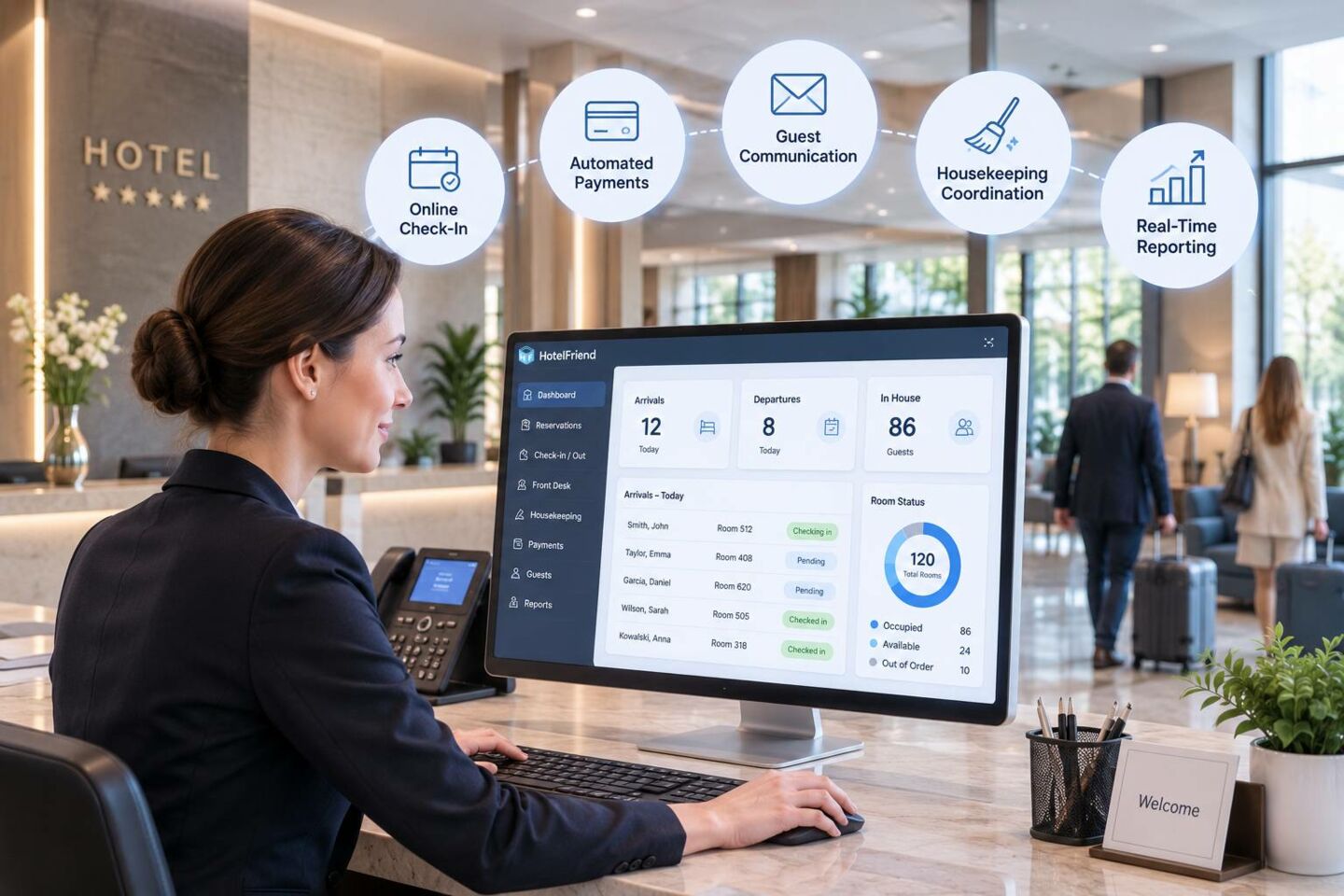
For hotels that regularly host conferences, this level of integration turns event check-in from a logistical burden into a smooth, largely automated part of the guest experience.
Automating Front Desk Operations
Self-service check-in is only one piece of a bigger shift happening at the front desk. Increasingly, hotels are automating the surrounding tasks too, from room assignment and payment processing to checkout and folio delivery, so staff spend less time on repetitive administrative work and more time on guest-facing service.
Hybrid (Staff + Self-Service) Models
Full automation is not for every property, or every guest. For many hotels, a hybrid approach that allows for self-service for routine, predictable transactions, but still keeps staff on hand when a human touch is needed, is the best solution. In practice, this generally means guests can do their own thing: Use a kiosk or mobile app for speed, or go to a staffed desk for help, special requests or problems the system can’t solve.
Why hybrid models are good for many properties:
- ● Great for everyone: Business travellers can check in fast and on their own, while leisure guests can still enjoy a personal welcome
- ● Built-in Safety Net: Staff can jump in right away if a kiosk goes down, an ID doesn’t scan, or a reservation needs to be overridden
- ● Balanced experience: provides the efficiency of automation, without losing the hospitality that makes a hotel stay different from a purely transactional stay
Implementation Guide
Rolling out self-service check-in successfully takes more than just choosing the right software or hardware. Hotels that see the strongest results treat it as a structured project, with a clear business case upfront and a deliberate plan for getting staff on board.
ROI Calculation
Most hotels want to know when an investment will pay off before they commit budget, and putting that into a formula makes the case concrete, and not just a vague notion that “this should pay off.”
ROI = (Annual Savings + Added Revenue − Total Cost) / Total Cost
This means looking at the cost of hardware or software licensing fees, PMS integration costs, installation and ongoing subscription or maintenance fees. Labor is generally the biggest driver on the savings side. Quantify the hours saved at the front desk during peak check-in and check-out times and translate that into reduced overtime, fewer seasonal hires, or the ability to redeploy existing staff to higher-value tasks such as upselling or concierge service.
HotelFriend Experience
To give you an idea of the scale with real numbers, let’s consider a hypothetical mid-size hotel with 80 rooms that uses a platform such as HotelFriend, which aggregates online check-in/out, digital keys, automated payments and invoicing into one system connected to the PMS.
The front desk used to spend 3.5 hours a day doing check-ins and checkouts by hand. Automating that process frees up about 1,275 hours a year - about the equivalent of a part-time position worth about $18,000 in reassigned or reduced labour cost. Automated pre-arrival upsell emails generate an additional $4,000 of upgrades, late checkouts and add-ons annually, against a total annual cost of around $6,000 for subscription, integration and setup combined.
Annual savings: $18,000 (labor) + $4,000 (added revenue) = $22,000
Total annual cost: $6,000
ROI: ($22,000 − $6,000) / $6,000 = 267%
Payback period: ~4 months
Self-service flows aren't just about saving labour. They also generate ancillary revenue from upsell prompts guests can browse at their leisure, and faster check-ins tend to leave a better first impression, which, though harder to quantify, often translates into repeat bookings.
Software-only solutions typically break even within months, while kiosk hardware takes longer to pay back but scales to bigger savings over time.
Staff Training & Change Management
Technology alone does not mean a smooth rollout. Front desk staff need to learn the new system, but also how their roles change with the new system - from manually processing every check-in to monitoring the system, handling exceptions and stepping in when guests need help. In the absence of that context, staff may perceive the technology as replacing them rather than supporting them, which is often expressed as resistance or inconsistent use.
A few best practices help to smooth the transition:
- ● Pre-launch hands-on training: Giving staff first-hand experience of the guest-facing flow so they can troubleshoot with confidence when a guest gets stuck
- ● A soft launch or pilot period: Offering self-service at the same time as the traditional desk, rather than replacing it all at once, so staff and guests can adjust gradually
- ● Good internal documentation: Addressing common issues like failed ID scans or kiosk errors to help relieve pressure on staff in the moment
- ● Early staff involvement: Involving staff in vendor selection or set-up rather than making a final decision, which builds buy-in and brings out concerns leadership may not think of
Self-Service Kiosk Recommendations: How to Choose It
Of course, guests aren't the only ones who benefit from removing friction at check-in. For many properties, that means pairing mobile check-in with a self-service kiosk. Choosing the right one comes down to a few practical questions.
How much vendor complexity can you manage? If you'd rather run one connected system than coordinate separate providers, look for a kiosk that ties directly into your PMS as a single unit.
Do your guests still pay in cash? Unattended or budget properties need cash-handling capability and support for multiple key formats.
Do you want the kiosk to be branded? For example, design-centric hotels must prioritize flexible installation and high-end-looking hardware.
Has online check-in been completed by most guests? If that is the case, the kiosk is designed to dispense keys quickly, not to validate IDs.
Do you want to choose your own hardware? Some hotels prefer their own tablet and accessories, but then need to source a printer and payment terminal separately.
Bottom line: a hotel that wants minimal vendor sprawl will land on a very different kiosk than one that just needs fast key pickup, so knowing your category first makes the vendor comparison much shorter.
A digital visitor management system replaces the paper sign-in sheet, letting visitors register and check in within seconds through a lobby tablet or QR code, while giving staff a real-time view of who's on the property for compliance and security. Arrival alerts and watchlist flags make even high-traffic events easier to manage without overwhelming the front desk.
See how the HotelFriend self-check-in kiosk and app bring this same structure to guest arrivals, and get in touch to explore it for your property.